
Is Google Removing Questions & Answers (Q&A) from GBP?
Google is officially removing the traditional Questions & Answers (Q&A) section from Google Business Profiles as part of a transition toward AI-driven search experiences.
Key details of the phase-out include:
- Google discontinued the Q&A API on November 3, 2025. This stopped third-party marketing tools from automatically managing questions and answers.
- The public-facing Q&A section began a gradual removal on December 3, 2025. Most business listings are seeing the feature disappear in waves, with full removal expected to take several months.
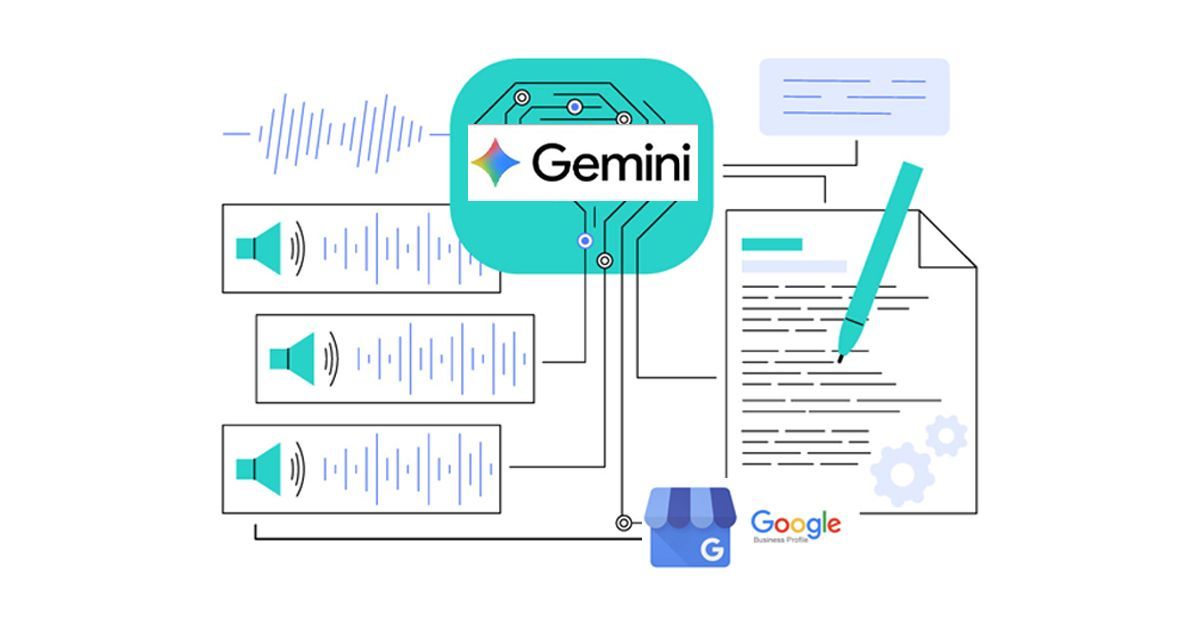
- The static Q&A list is being replaced by an AI-powered "Ask" button (also referred to as "Ask Maps"). Powered by Gemini, this tool generates instant, conversational answers by pulling data from the business's website, description, reviews, and existing profile information.
- Business owners are encouraged to export their historical Q&A data manually, as past threads may eventually become inaccessible to the public.
Recommended actions for local businesses
Since AI on Google Search now generates answers based on existing digital information, businesses should focus on these areas to ensure accuracy:
- Update the Google Business Profile to ensure all attributes, services, and business descriptions are complete and accurate.
- Move popular customer questions to a dedicated FAQ page on the website.
- Implement FAQ Schema on the website to help Google's AI easily read and use verified information for search results.
- Monitor reviews, as AI heavily weights recent customer reviews when answering user questions, making review management more critical.
What are some strategies for migrating GBP Q&A content?
To migrate your Google Business Profile (GBP) Q&A content effectively, the primary strategy involves exporting existing data and repurposing it on your website, particularly with FAQ schema markup to help Google's AI surface the information.
Content migration and repurposing
- Before the feature is fully phased out, manually capture or use third-party tools to export all existing Q&As.
- Consolidate the salvaged Q&As into a dedicated Frequently Asked Questions (FAQ) page on your business website.
- Mark up your new website FAQ page with FAQ schema. This structured data helps Google understand the content and makes it eligible for rich results in search, effectively replacing the visibility the GBP Q&A once offered.
- Repurpose Across Platforms:
- Integrate answers into your general business description and service sections on your website.
- Create targeted Google Posts that address key questions and link to detailed pages on your site.
- Use the content for social media posts or blog articles.
Foundational optimization strategies
Since Google's AI-driven "Ask Maps" feature will pull information from your entire digital presence, focus on building an authoritative content base.
- Fully Complete Your Google Business Profile(GBP): Ensure every section of your GBP is filled out with comprehensive, accurate, and up-to-date information, including services, hours, booking, and descriptions.
- Encourage Keyword-Rich Reviews: Ask satisfied customers to mention specific services, products, and locations in their reviews. Google's AI heavily uses review content for its generated answers.
- Ensure Data Consistency: Verify that your business name, address, and phone number and website (NAPW) are consistent across all online directories and review platforms to build credibility. These are also called citations.
- Monitor AI's Representation: Regularly search for your business on Google to see how the AI is presenting information and correct any inaccuracies at their source (your website or GBP).
What other content can be repurposed?
In 2025, with Google transitioning toward AI-generated answers, your Google Business Profile (GBP) should be viewed as a central content library. Beyond Q&A, you can repurpose the following assets to feed Google’s AI and improve multi-platform visibility:
1. Google Reviews as social proof
Customer reviews are valuable content. AI uses these to answer user questions.
- Website Testimonials: Embed Google reviews on your homepage or a dedicated "Wall of Love" page.
- Social Media Graphics: Use quotes from 5-star reviews to create "Image Quotes" for social media.
- Video Stories: Convert customer stories from reviews into short videos.
2. Google posts for cross-platform content
Google Posts provide updates to search engines.
- Snippet Repurposing: Use excerpts from blog posts as Google Posts to drive traffic to your site.
- Social Media Alignment: Repurpose Facebook or LinkedIn posts as Google Posts. While GBP posts have specific formatting, the core message can be the same.
- Email Newsletters: Use the text from a Google Post in your email newsletter.
3. Visuals (Photos and Videos)
Visual content helps AI understand your business and offerings.
- Short-Form Video: Behind-the-scenes clips or product showcases uploaded to your GBP can be cross-posted on other platforms.
- Service Pages: Use images from your "Products" or "Services" section to enhance your website's service landing pages.
- Pinterest Pins: Use photos of your storefront or menu items on Pinterest with links to your website.
4. Service and Product Descriptions
Descriptions in your GBP "Services" and "Products" sections are a resource for AI.
- Website FAQ Content: Use service details from GBP to build out the "Services" pages on your website.
- Meta Descriptions: Use 160 characters from your GBP description as meta descriptions for your website.
Does it matter for NAP if the number is swapped by Call Rail?
Yes, it matters, but it does not negatively impact your SEO as long as you follow industry-standard implementation rules. Modern call-tracking tools like CallRail use Dynamic Number Insertion (DNI), which is specifically designed to maintain NAP (Name, Address, Phone) consistency while providing detailed attribution.
Why DNI Does Not Hurt Name Adress Phone Number Consistency
DNI works by using a JavaScript snippet to swap the phone number on your website only after the page has loaded for a human visitor.
- Search Engines see the original number: Google’s crawlers (bots) typically read the static HTML of your page, which still contains your "canonical" (main) business number.
- Users see the tracking number: Real people who arrive via specific sources (like an ad or social media) see a unique number from a "pool," allowing you to track that lead.
Best Practices for CallRail and GBP in 2025
To ensure your phone number swap doesn't confuse Google or hurt your rankings, use these standard local SEO configurations:
- Google Business Profile (GBP) Settings:
- Primary Phone Number: Set your CallRail tracking number here. This ensures you capture call data directly from search results.
- Additional Phone Number: Add your main, permanent business line (the one on your other citations) as a secondary number. This creates a link for Google's algorithm to verify your business's identity and maintain NAP consistency.
- On-Site Schema: Your website's local business schema should always use your main business number, not a tracking number.
- Directory Consistency: Do not use different tracking numbers for every minor directory (Yelp, YellowPages, etc.). Use your main business number for these citations to build a strong, consistent "authority" signal for Google.
By using this "Primary/Secondary" setup on your GBP and DNI on your website, you can track calls effectively without any risk to your local search rankings.
Adapt to gain AI Visibility in 2026
As Google phases out the Q&A section from Business Profiles in favor of AI tools like the "Ask" button, businesses must adapt to maintain visibility. Prioritize optimizing your GBP, migrating Q&A to website FAQs with schema markup, repurposing reviews and visuals across platforms, and using call-tracking like CallRail without harming SEO.
This evolution emphasizes comprehensive digital assets to feed Gemini's responses. In 2026, thrive by treating GBP as an AI hub: invest in interconnected content, monitor representations, and evolve proactively for seamless customer experiences.