
How to Connect Gemini to Your Google Business Profile
Heads up: Google is expected to roll out direct Gemini integration for Google Business Profiles to business owners in the coming weeks. While the exact steps may vary slightly once the feature is fully live, here is what you need to know to be ready from day one.
What This Integration Means for Your Business
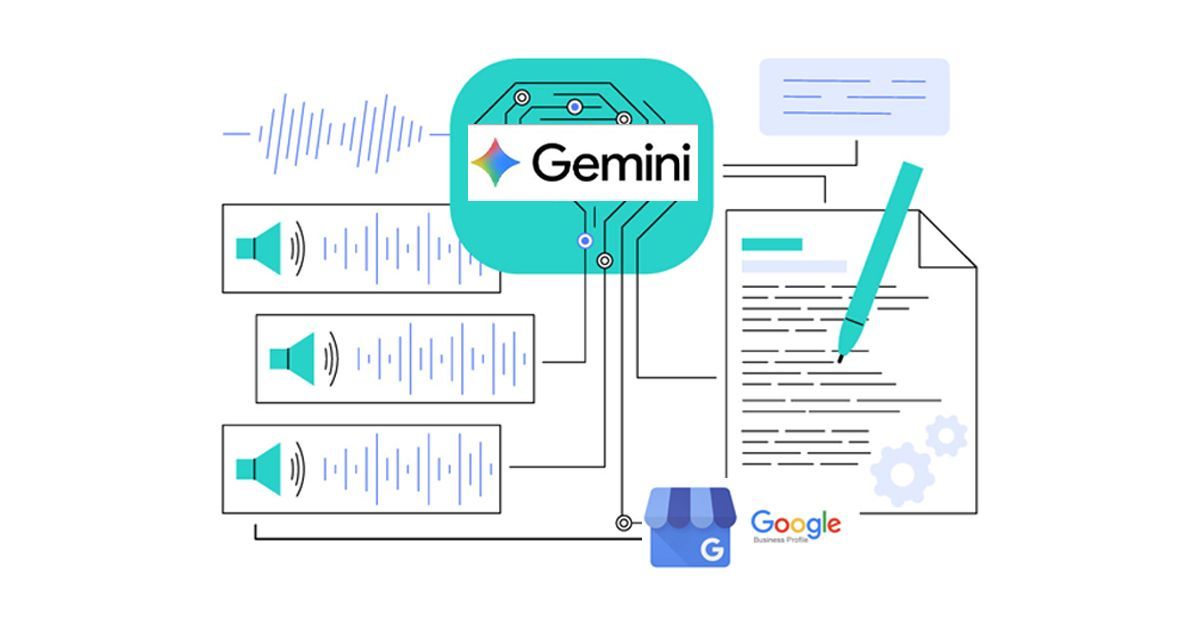
The ability to connect Google's Gemini AI directly to your Google Business Profile represents one of the most significant shifts in local search since the introduction of the map pack. Rather than Gemini simply reading and interpreting your profile passively, this integration allows business owners to interact with Gemini as an active tool for managing, updating, and enhancing their profile in real time.
Think of it as having an AI assistant with direct access to your business listing - one that can help you write better descriptions, respond to reviews, suggest updates, and surface performance insights in plain, conversational language.
How to Connect Gemini to Your Google Business Profile
Once the feature becomes available in your account, the connection process is expected to be straightforward. Here is the anticipated setup flow based on what Google has previewed:
Step 1: Access Your Google Business Profile Dashboard
- Sign in to your Google account at business.google.com
- Select the business profile you want to connect
- Look for a "Try Gemini" prompt, banner, or button within your dashboard - Google is expected to make this highly visible upon rollout
Step 2: Enable Gemini for Your Profile
- Click the Gemini prompt or navigate to Settings > AI Tools within your GBP dashboard
- Review and accept the terms of service for Gemini integration
- If you manage multiple locations, you will likely need to enable Gemini on a per-profile basis or through your Business Profile Manager
Step 3: Verify Your Business Ownership
- Gemini integration will only be available to verified business owners
- If your profile is not yet verified, you will be prompted to complete verification before proceeding
- Verification can be completed via phone, email, video, or postcard depending on your business type
Step 4: Grant Gemini Access Permissions
- You will be asked to confirm which areas of your profile Gemini is permitted to assist with
- Expected permission options include: profile content, review responses, post creation, and performance insights
- You remain in full control - Gemini will suggest and draft, but nothing publishes without your approval
Step 5: Start Using Gemini Within Your Dashboard
- Once connected, a Gemini chat interface or assistant panel should appear within your GBP dashboard
- You can begin interacting with it immediately using plain language prompts
What You Will Be Able to Do with Gemini Connected
Once integrated, Gemini is expected to assist business owners with a range of tasks directly inside the GBP interface:
| Task | What Gemini Can Help With |
|---|---|
| Profile Writing | Drafting and refining your business description using natural, AI-optimized language |
| Review Responses | Suggesting personalized, on-brand responses to both positive and negative reviews |
| Google Posts | Generating post ideas and copy based on your business category and recent activity |
| Performance Insights | Explaining your analytics in plain language and recommending specific improvements |
| Services & Products | Writing compelling descriptions for each of your listed services and products |
| Q&A Management | Helping you craft answers to common customer questions before they are asked |
Tips to Get the Most Out of Gemini From Day One
Being prepared before the integration goes live will give you an immediate advantage over competitors who are slower to adopt it.
Have your business information audit-ready.
Gemini will work best when your profile is already complete and accurate. Run through every section of your profile now and fill in any gaps so Gemini has rich, accurate data to work with from the start.
Know your brand voice before you start prompting.
Gemini will draft content on your behalf, but it works best when you can give it clear direction. Before you begin, be able to articulate in a sentence or two who your customers are, what makes your business different, and what tone reflects your brand.
Use it for review responses immediately.
This is likely to be the single highest-impact use case for most business owners. Responding to every review promptly is one of the strongest AI optimizations signals you can send - and Gemini can dramatically reduce the time this takes.
Do not publish everything Gemini suggests without reviewing it.
Gemini is a powerful assistant, but it does not know your business the way you do. Always review AI-generated content before it goes live to ensure it is accurate, on-brand, and reflects the specific nuances of your business.
Monitor how your AI review summary changes.
Once Gemini is integrated and you begin optimizing your review responses and profile content more consistently, watch your AI-generated review summary in Search and Maps. Over a few weeks, you should begin to see shifts in the themes and language the AI surfaces.
Why Early Adoption Matters
Local search has always rewarded businesses that are quick to leverage new Google features. The businesses that optimized their profiles thoroughly in the early days of GBP earned authority that their competitors have struggled to match ever since. Gemini integration is likely to follow the same pattern.
The business owners who connect Gemini on day one, learn to use it effectively, and build it into their regular profile management routine will compound a meaningful visibility advantage over those who wait. Given that your competitors serve the same local market and compete for the same searches, being even a few weeks ahead in adopting this technology could translate directly into more calls, more visits, and more customers.
We will update this section as soon as Google officially rolls out Gemini connectivity for Google Business Profiles. Check back here for step-by-step screenshots and the latest guidance once the feature is live.